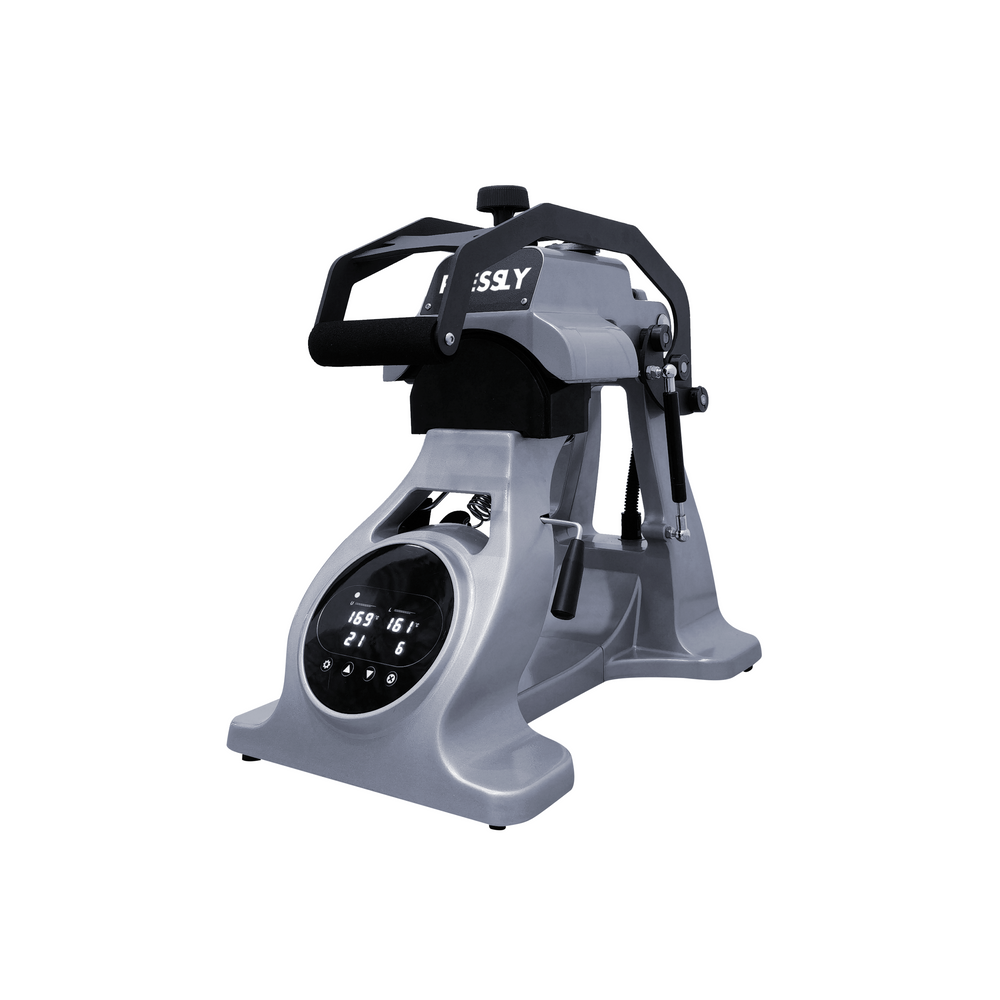


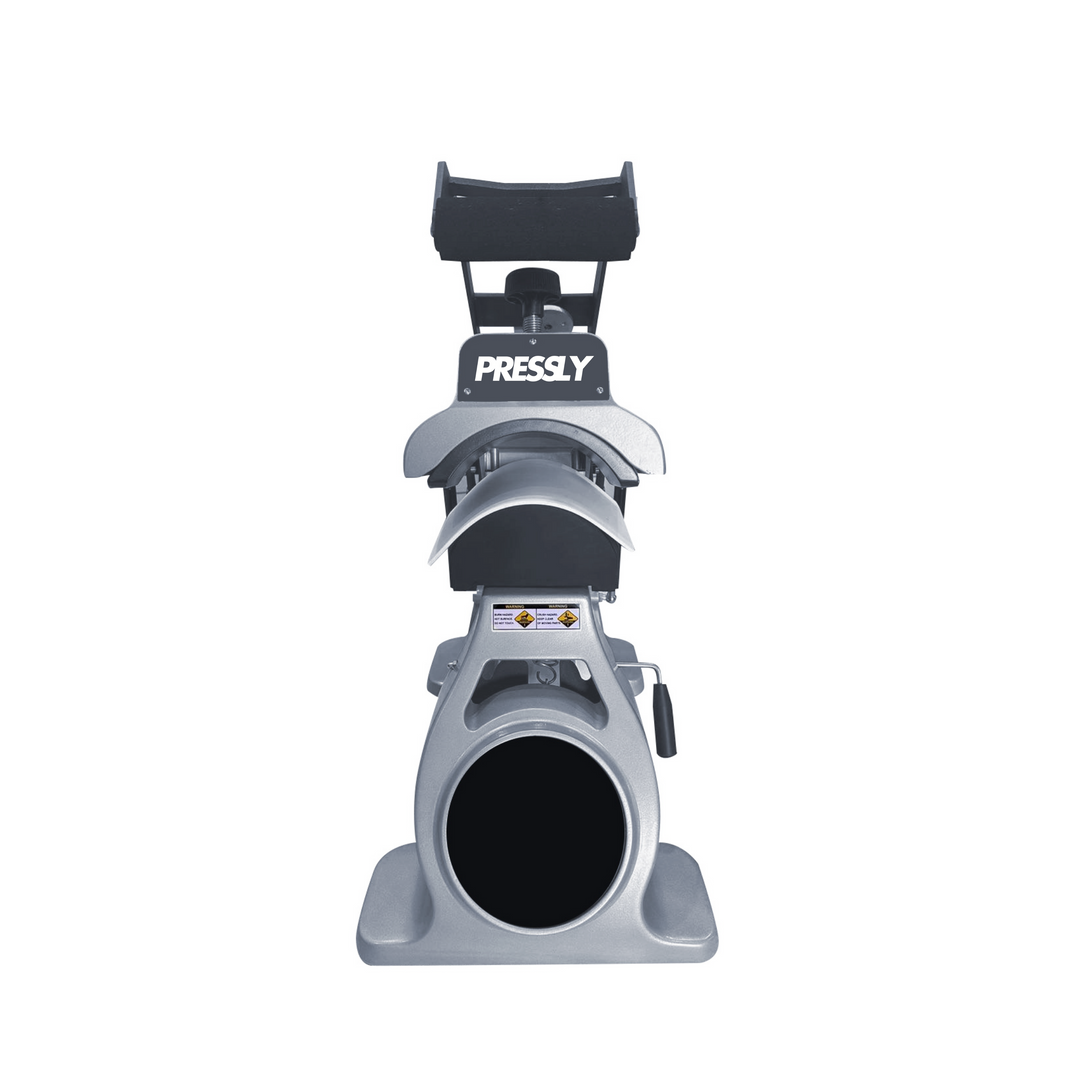
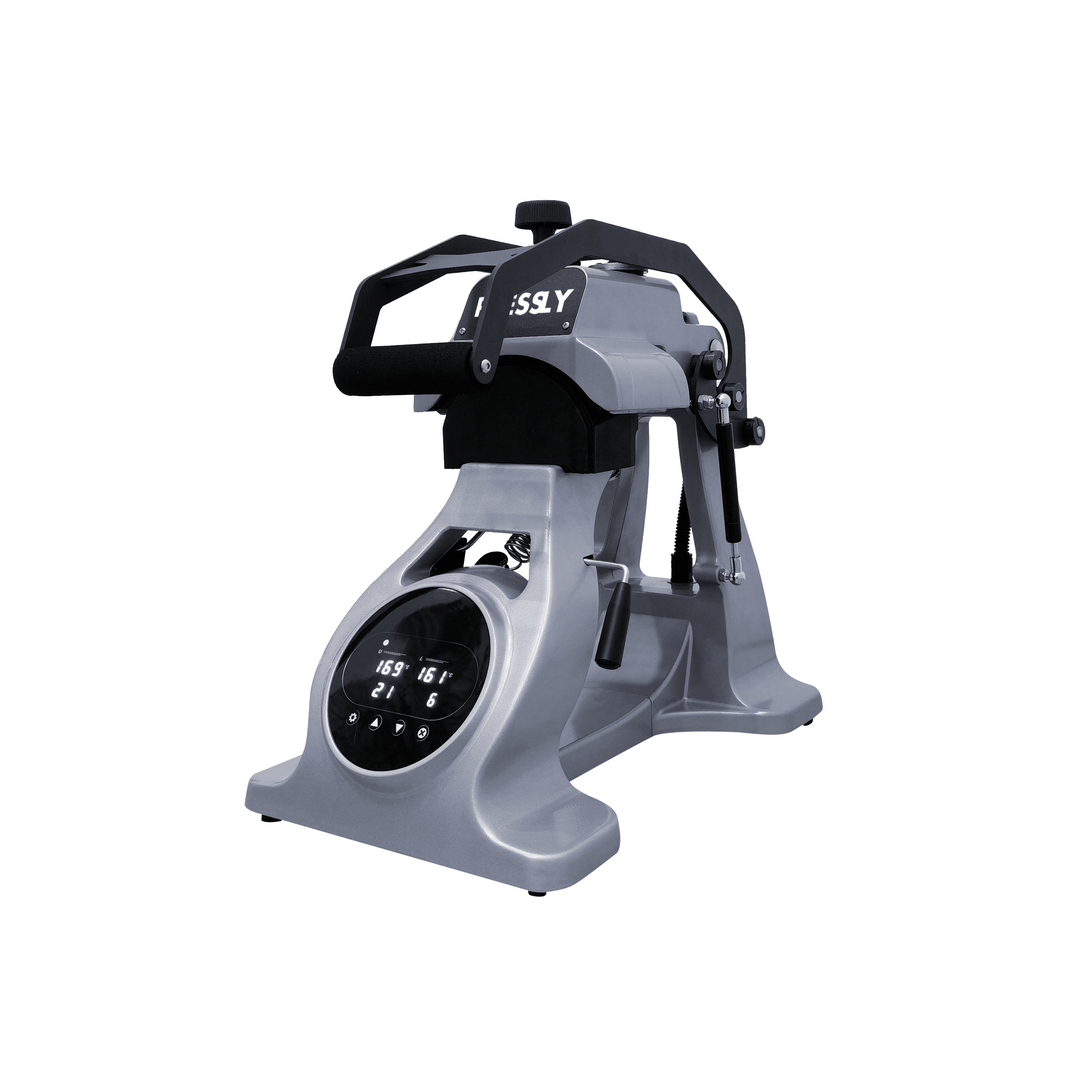


CP2815 CapPro - Dual Heat Semi-Automatic Heat Press for Caps and Hats
- Low stock - 6 items left
 Login to download User Manual
Semi-Automatic Heat Press for Professional Headwear
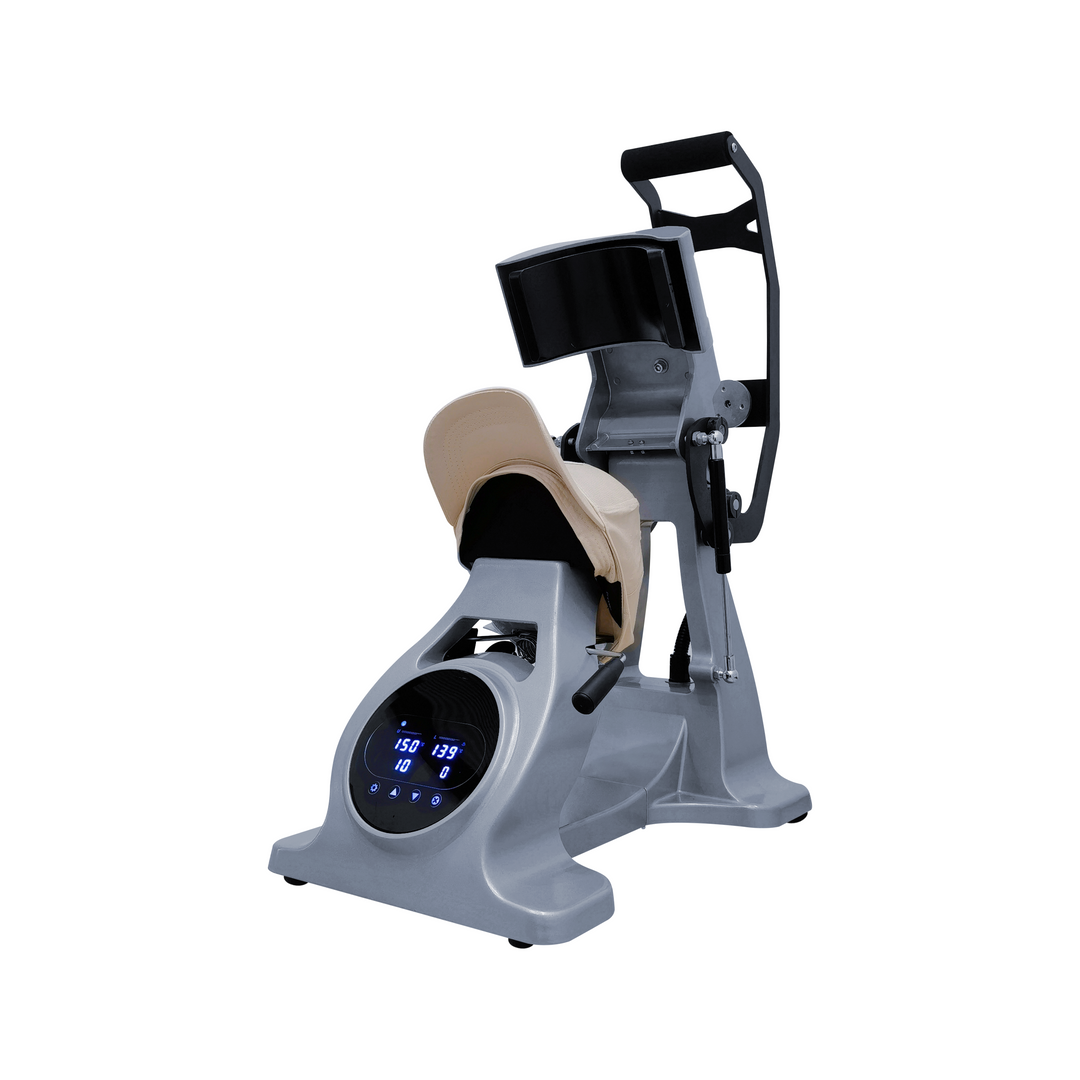
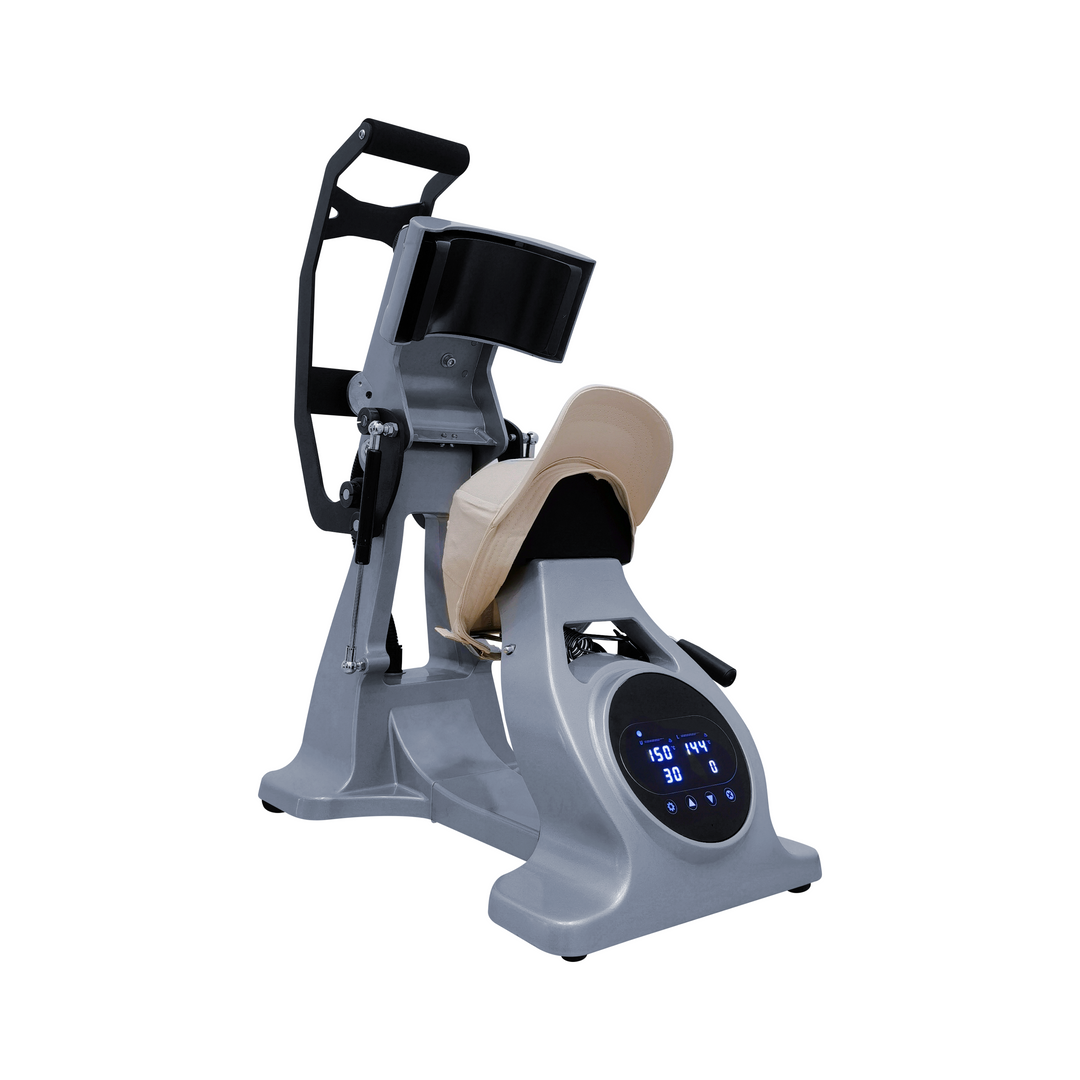
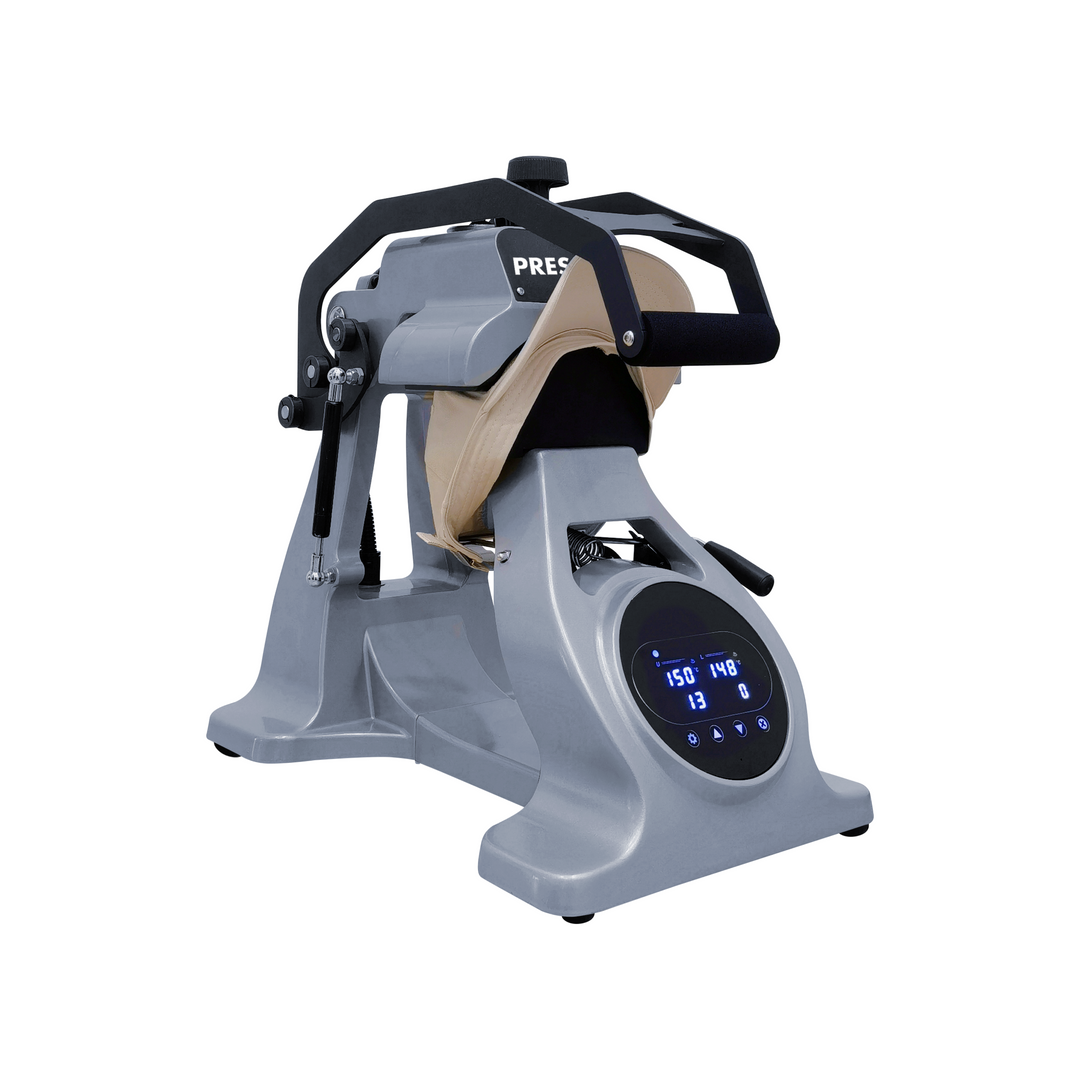
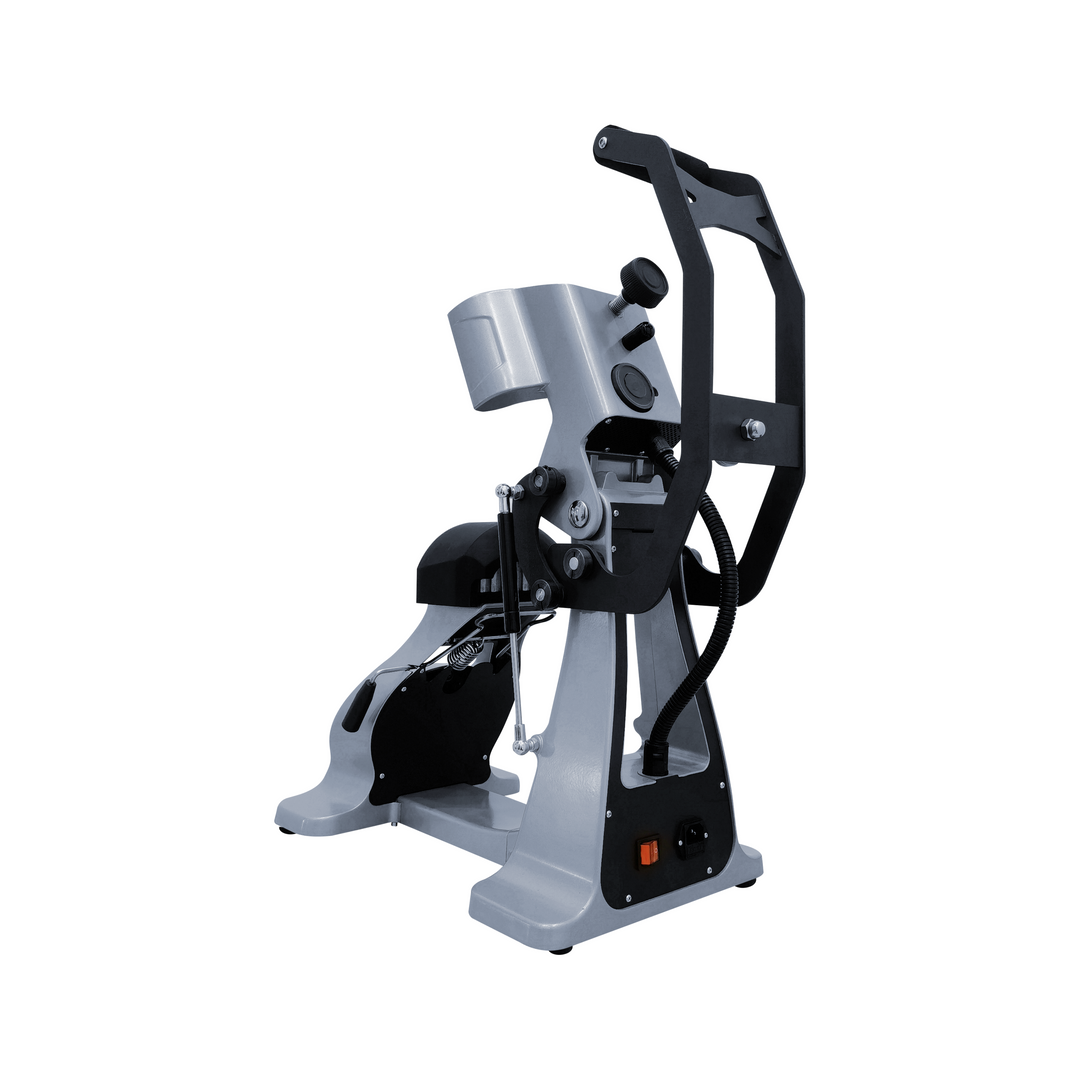
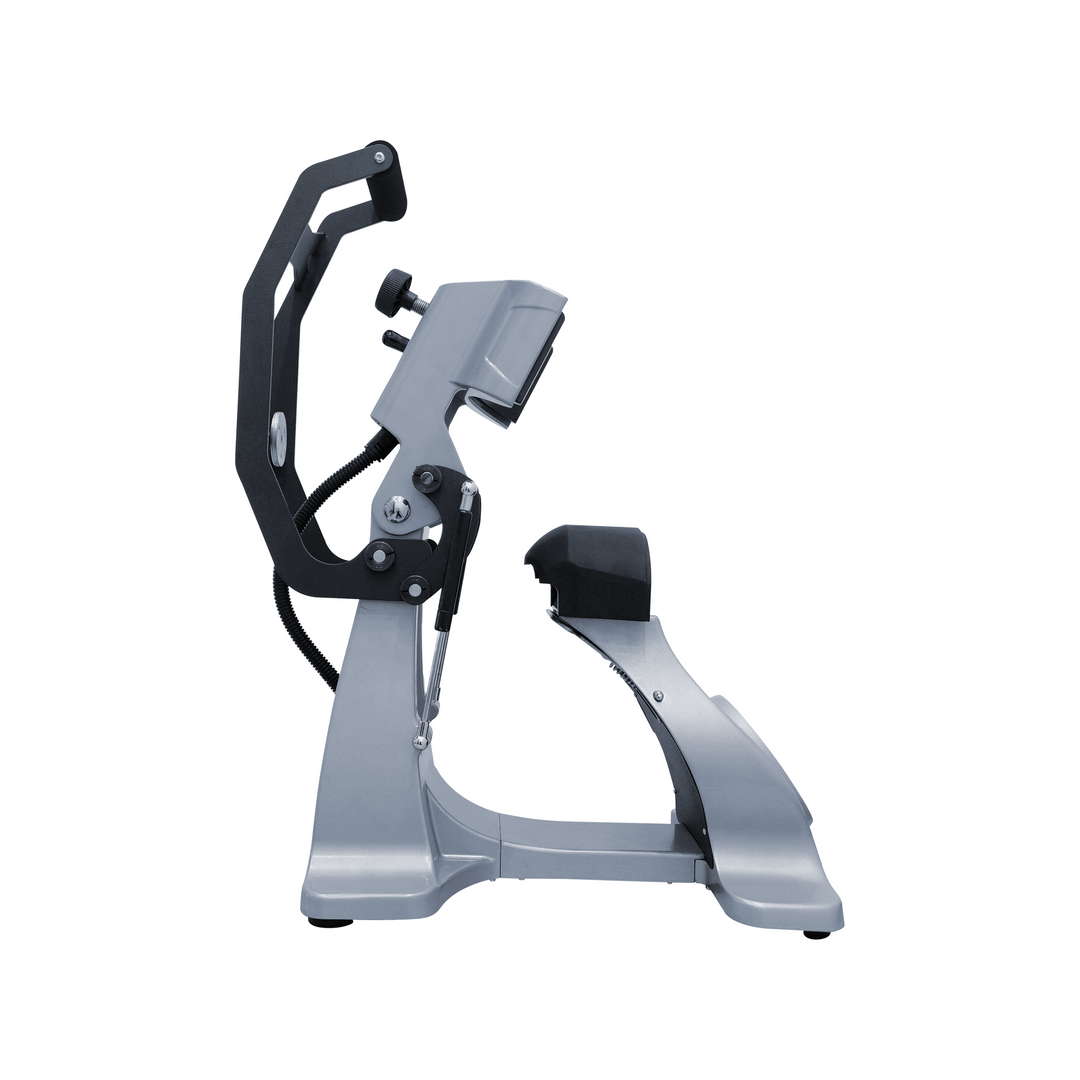
Elevating your headwear game requires tools specifically engineered for curved surfaces. The Semi-Automatic Heat Press CP2815 CapPro is a professional-grade, dual-heat semi-automatic press. It is designed to overcome the common challenges of hat decoration. Unlike standard flat presses, this machine focuses on providing uniform heat to every contour of a cap. Whether you are using Custom DTF Transfers, leather patches, or traditional vinyl, the CapPro ensures a flawless bond. This comprehensive guide highlights the technical innovations and efficiency benefits of the CP2815 model for your custom apparel business.
Advanced Dual-Heat Technology: Bottom and Top Heating
The most significant advantage of the Semi-Automatic Heat Press CP2815 CapPro is its dual-heating system. Most basic hat presses only heat from the top platen.
-
Uniform Thermal Application: The CapPro heats from both the upper and lower platens simultaneously. This "sandwich" of heat ensures that the adhesive on your DTF Transfers melts perfectly from both sides. It is especially beneficial for thick materials like structured trucker hats or heavy canvas caps.
-
Eliminating Cold Spots: By heating the base, the machine pre-warms the fabric. This removes moisture and flattens fibers before the transfer is even applied. This dual approach ensures that even complex designs with fine lines stay firmly attached after multiple washes.
-
Independent Temperature Controls: Operators can adjust the temperature of each platen individually. This precision allows you to work with sensitive synthetic materials that might require less heat on the bottom and more on the top.
Semi-Automatic Efficiency: Auto-Open and High Volume
Productivity is key when handling bulk orders of promotional headwear. The CP2815 is built to keep your workflow moving without interruption.
-
Electromagnetic Auto-Open System: Similar to high-end t-shirt presses, the CapPro opens automatically when the countdown ends. This prevents the heat from staying on the hat too long, which could lead to scorching or "heat ring" marks. It allows you to multi-task efficiently in a busy shop environment.
-
Precision Digital Display: The digital console provides real-time monitoring of both time and temperature. Consistency is vital for maintaining brand standards across hundreds of units. The CapPro delivers that consistency with every single cycle.
-
Tensioning Device for Stability: Decoration on hats is difficult because the surface is not flat. The CP2815 features a specialized cap hold-down device. This pulls the hat tight against the lower platen, smoothing out wrinkles and preventing the hat from shifting during the press.
Versatile Design for Various Hat Styles
Not all hats are shaped the same way. The CapPro is designed to be as flexible as your product catalog.
-
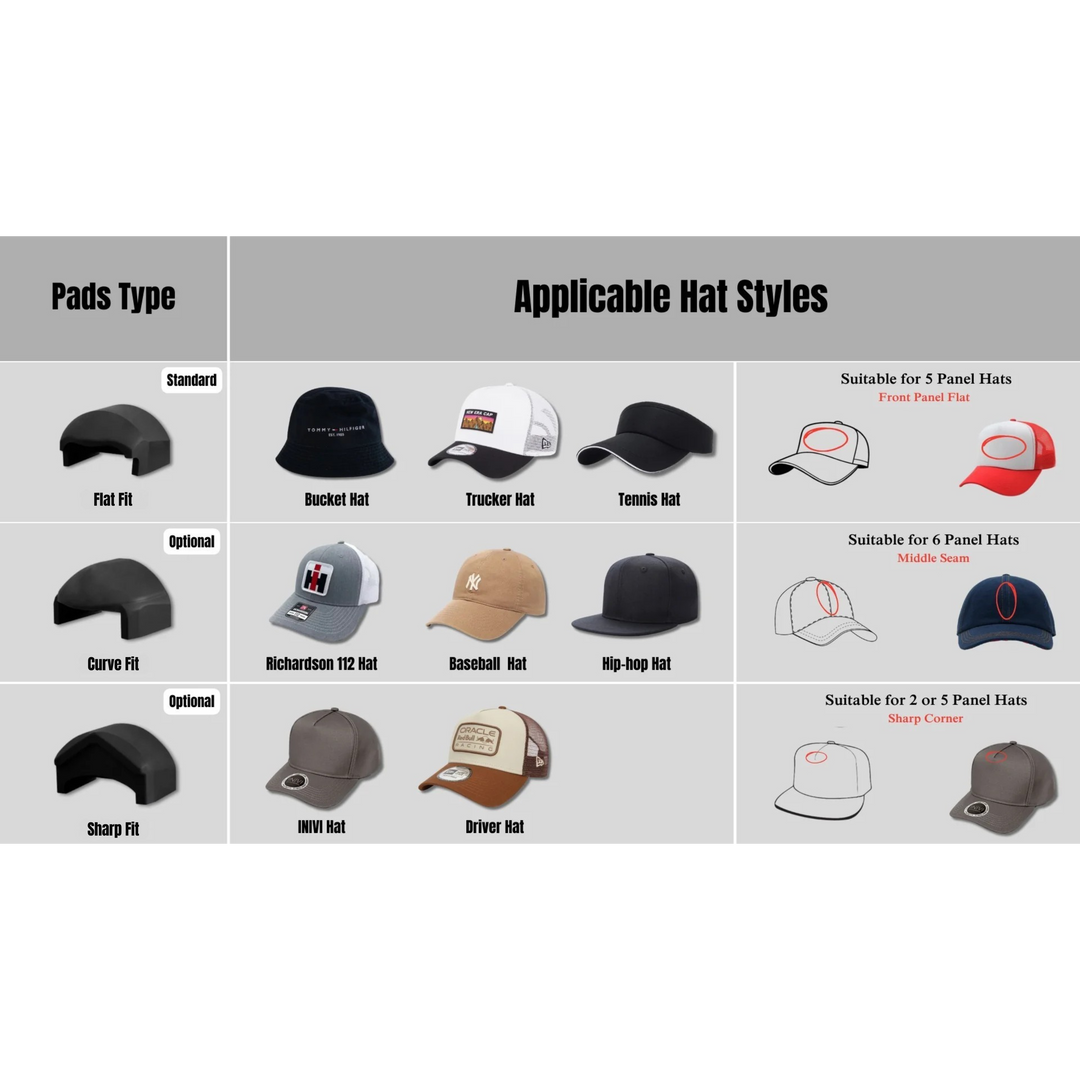
Adjustable Lower Platens: The machine can accommodate different sizes of lower platens. This makes it easy to switch between low-profile "dad hats," structured snapbacks, and even beanies. It ensures the curvature of the press matches the curvature of the headwear.
-
Compact Footprint: Despite its heavy-duty industrial build, the CP2815 has a space-saving design. It fits comfortably on a standard workbench alongside your other equipment like the HP3804 SlideMaster.
-
Ergonomic Operation: The handle and pressure adjustment are designed for ease of use. It requires minimal physical effort to lock the press into place, reducing operator fatigue during long production shifts.
Optimizing DTF and Patch Applications
The CapPro is the ultimate partner for modern transfer technologies. It handles delicate and heavy applications with equal ease.
Using Direct to Film Transfers on hats used to be a challenge due to the stiff structure of the crown. The CapPro solves this by providing firm, even pressure. When used with high-quality DTF Ink and film, the results are vibrant and professional. Furthermore, the dual-heat feature is a game-changer for leather patches. The bottom heat helps activate the heat-sensitive glue on the back of thick leather, ensuring it stays put for the life of the hat.
Durability and Professional Investment
Investing in the Semi-Automatic Heat Press CP2815 CapPro means choosing long-term reliability. Its heavy-duty frame is built for the rigors of daily commercial use. The non-stick coating on the heating elements prevents adhesive buildup and makes cleaning easy.
When you combine this machine with premium supplies like DTF Transfers Gang Sheets, you create a highly profitable production line. The CapPro ensures that your finished hats have a professional look and exceptional durability. It provides the speed, safety, and precision needed to grow your custom headwear business in a competitive market.
Upgrade your custom apparel projects with the perfect base. Explore our premium
Due to the nature of this product, orders will be processed and shipped within 3 business days. Please allow this additional time for handling to ensure that your equipment is carefully prepared and packaged for safe transit. However, there may be times when shipments are delayed due to unexpected situations. In such cases, Eagle Print will provide you with updated information via email or phone.
Currently, Eagle Print exclusively offers shipping within the United States. We are committed to providing the best possible service to our domestic customers and do not ship internationally at this time.
For all orders, we will handle freight shipping to the given address. Once the product has been loaded onto the freight carrier, delivery may take 5-12 business days depending on the distance, routes, and accessibility of the destination. In some cases, severe weather conditions or other unforeseen factors may extend delivery times.
You can track your order by clicking the tracking number provided in your order details after shipment. This will give you an estimated delivery date as well as updates from the carrier about the status of your shipment.
Certain equipment, such as printers, is classified as oversized and requires special handling. We take extra precautions when packaging and shipping these products to ensure their safety during transit. To avoid damage and ensure the safety of both the equipment and personnel, we recommend using a pallet jack or forklift when moving oversized pallets upon arrival.
We appreciate your understanding and cooperation to ensure a smooth and secure delivery experience.
Important Delivery Instructions:
This product must arrive securely packaged in a sealed wooden crate, unless otherwise stated or pre-arranged.
If the crate or product is visibly damaged upon delivery:
DO NOT accept the delivery immediately.
Instead, follow these steps carefully:
- Ask the delivery driver to document the damage by writing a Damage Report.
- Take clear photos of the damaged crate/product and the Damage Report.
- Do not sign the Proof of Delivery (POD) without marking the crate or product as "DAMAGED".
- Notify us immediately via phone or email.
⚠️ IMPORTANT: If damage is not clearly indicated on the Proof of Delivery (POD) at the time of receipt, we will not be able to file a claim with the carrier. This will result in no compensation or replacement. Your compliance with this process is essential.