✦ Applies to DTF Transfers, UV DTF Stickers & Special DTF Transfers only. Not valid on apparel, supplies & equipment.
$10
OFF
orders $75+
SPOOKY10
$25
OFF
orders $150+
SPOOKY25
Most Popular
$40
OFF
orders $250+
SPOOKY40
$65
OFF
orders $400+
SPOOKY65
📋 Copy your code and apply it at checkout.
Offer expires Friday, October 16 at 11:59PM.
Bridgeview DTF Transfer
Bridgeview DTF Transfer for Custom Apparel Printing
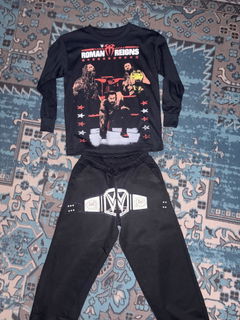
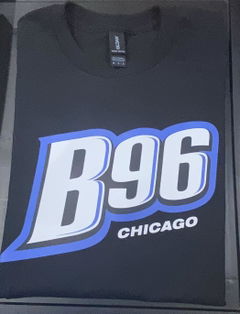
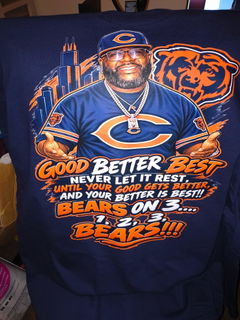
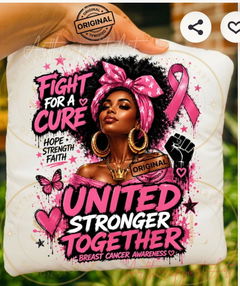
Bridgeview DTF Transfer options provide a convenient way to decorate custom apparel using ready-to-press designs. DTF transfers can support detailed, full-color artwork for shirts, hoodies, and other suitable garments. Choose the transfer size and design that fit your project, then follow the supplied pressing instructions for proper application.
Ready-to-Press Streamline apparel decoration without printing the transfer yourself.
Detailed Artwork A practical option for colorful graphics, logos, and custom designs.
Flexible Ordering Choose transfer dimensions according to your garment and design needs.
How to Choose the Right Bridgeview DTF Transfer
Start by choosing a DTF transfer size that matches both your artwork and the printable area of the garment. A small design may work well for a left-chest placement, while larger artwork can be better suited to front or back applications. Measure the intended print area before ordering rather than relying only on standard garment size labels.
Next, consider the artwork itself. Clear, properly prepared graphics are important when the design includes small text, fine lines, detailed logos, or multiple colors. If you are ordering transfers for a business, event, or repeated design, also consider how many individual transfers you need and whether another available ordering format better matches your workflow.
Finally, review the application instructions associated with the transfer you purchase. Pressing requirements can vary, so use the specified temperature, time, pressure, and peeling method rather than assuming one setting works for every transfer or garment. When garment compatibility is uncertain, verify the material and application requirements before production. This approach helps you select a Bridgeview DTF Transfer based on the actual project instead of unsupported performance claims.
It was a very easy process. I used the auto builder and that definitely helped. I’ve pressed them and the colors are nice and vibrant. Will definitely use them again.