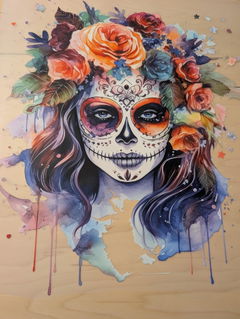
Cicero DTF Transfer Designs for Apparel Projects
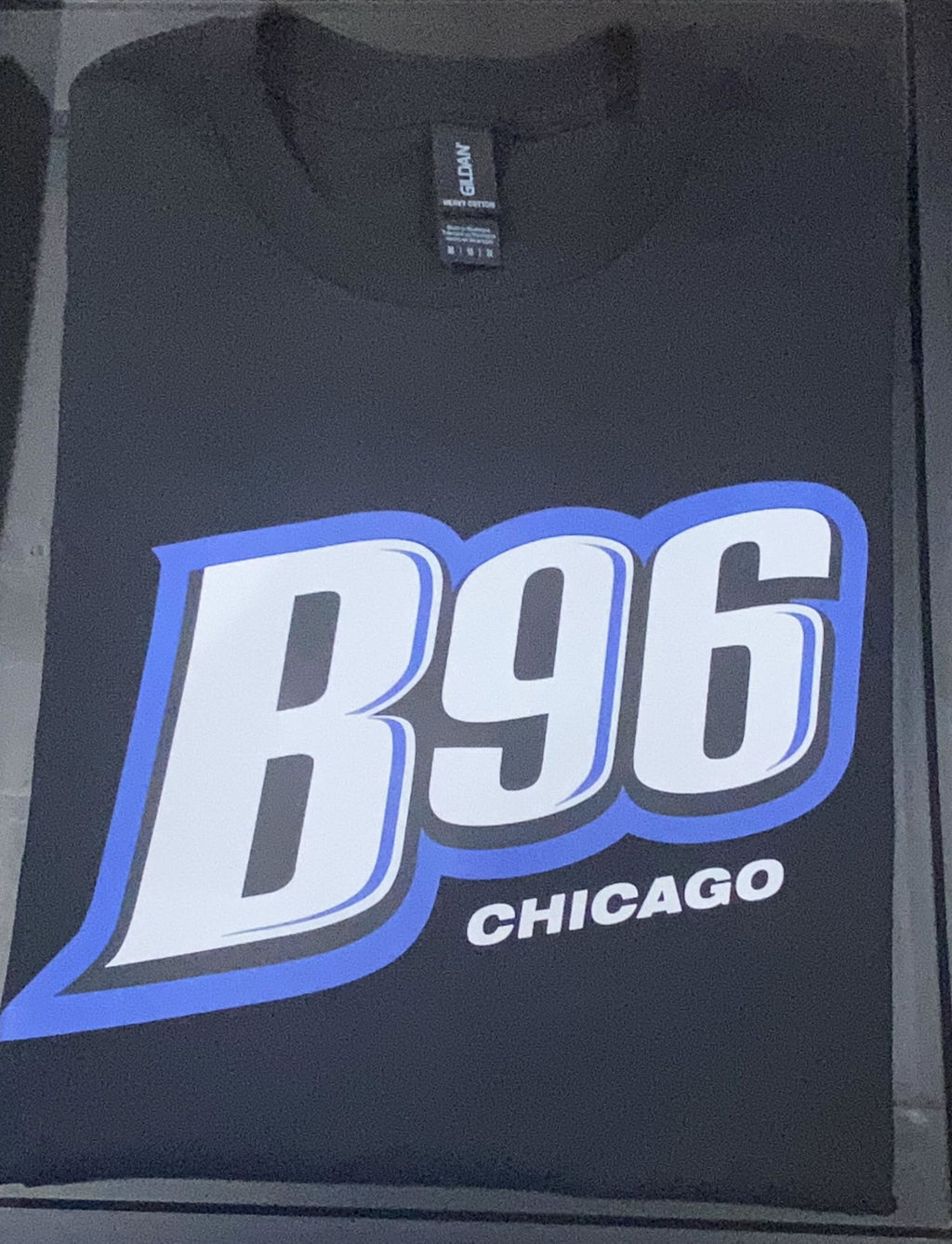
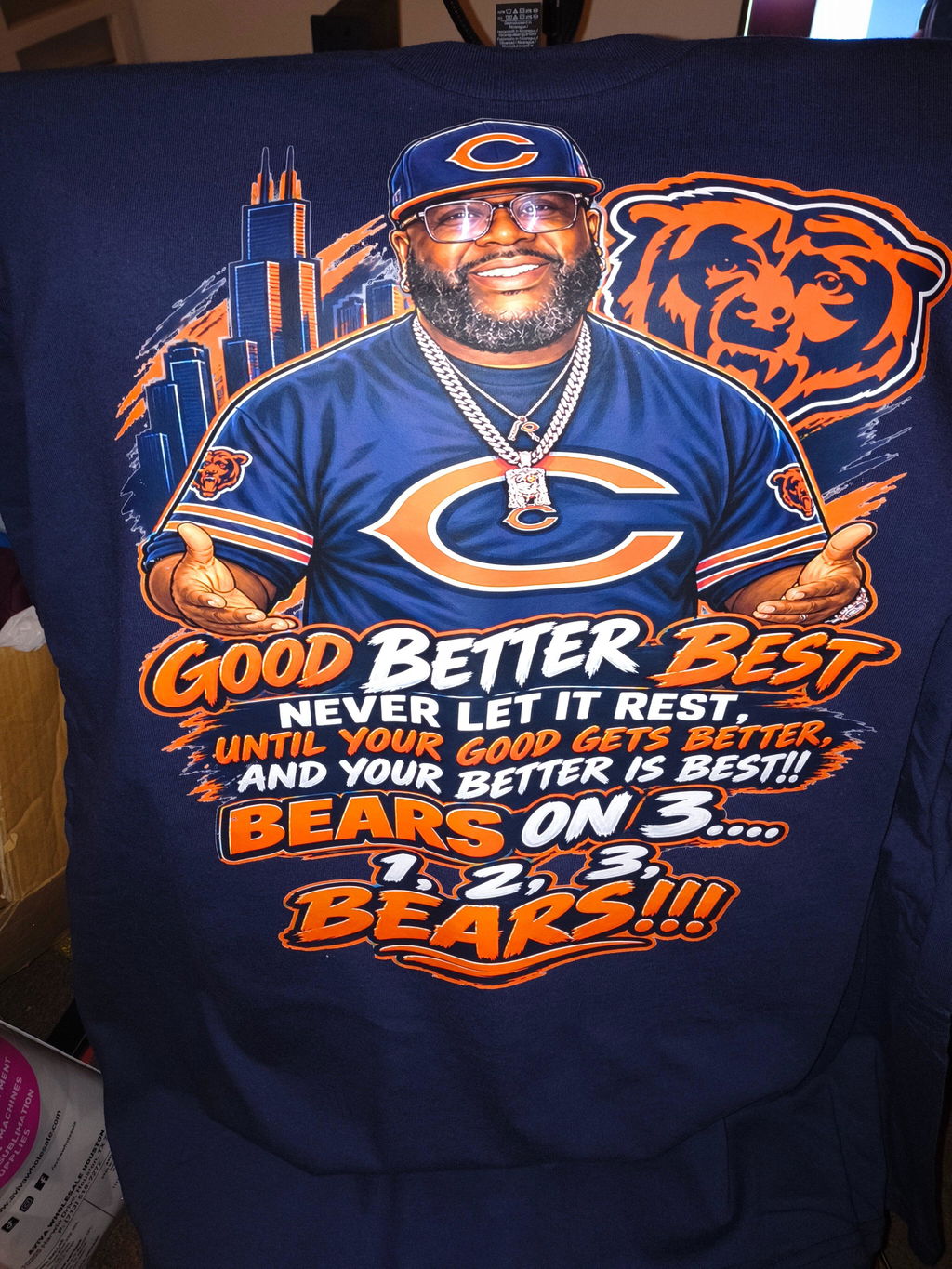
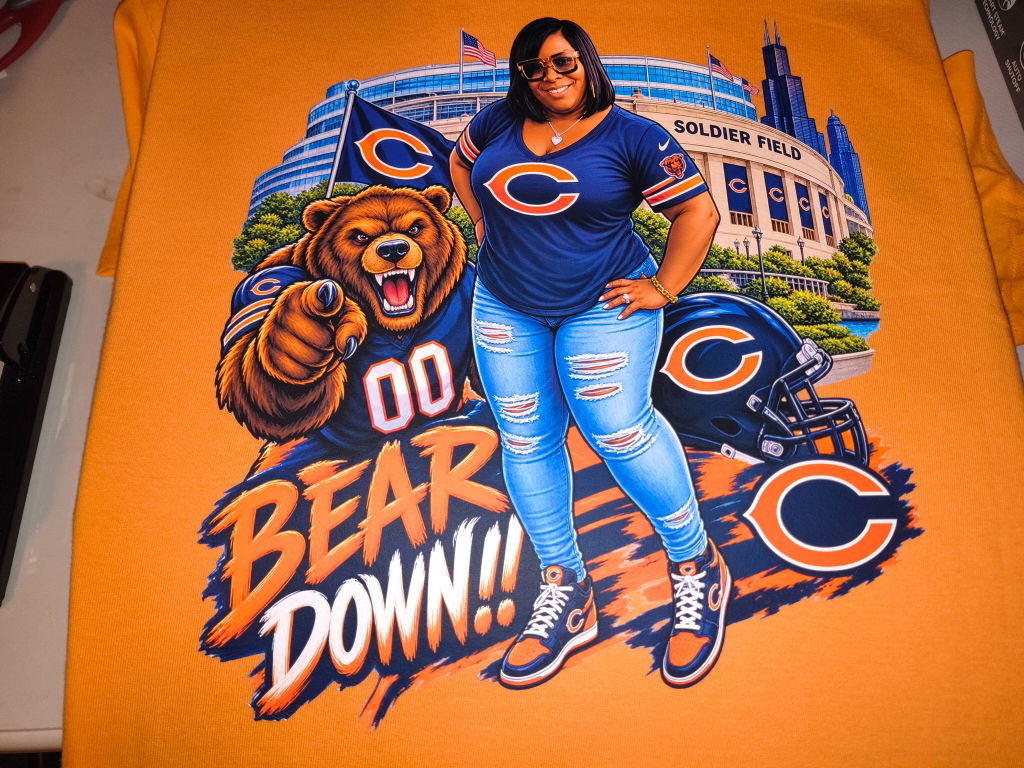
Cicero DTF Transfer options make it easy to choose a design for your next apparel project. Browse available graphics, compare transfer sizes, and select an option that fits your intended print area. Review each product page for current artwork details, available dimensions, and application instructions before ordering.
✓ Multiple designs to explore
✓ Size options for different placements
✓ Ready for heat-press application
How to Choose a Cicero DTF Transfer
Start with the garment and print location. Measure the area where you want to place the design. A small chest graphic needs different dimensions than a large front or back print.
Next, review the artwork. Look at its shape, proportions, lettering, and overall detail. Use the listed dimensions when comparing options. Do not judge the final size from the product image alone.
Think about the finished layout. A bold Cicero design may work well as a centered shirt graphic. A smaller design may be better for a chest placement or another limited print area.
Before ordering, check the individual product page. Confirm the available size and review the application information. Press settings can vary by product and project. Follow the instructions supplied with the transfer you purchase.
If you need more choices, browse the DTF transfers collection. You can also contact Eagle DTF Print if you need help selecting an option.