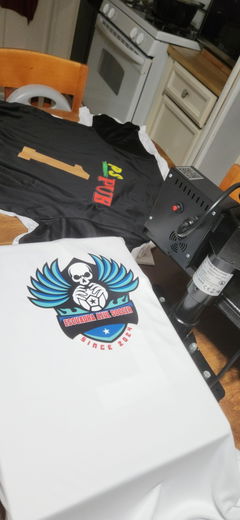
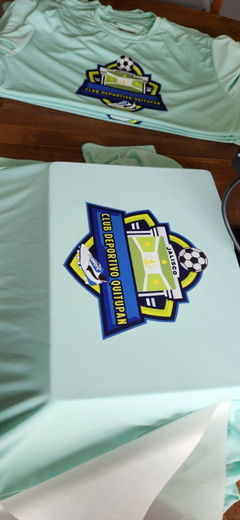
A Gang Sheet lets you organize multiple graphics within one DTF production layout instead of ordering each design separately. Eagle DTF Print provides options to build a sheet online or upload artwork you have already arranged. Choose your workflow based on the number of designs, finished dimensions, and how your artwork is prepared before production.
-
Multiple designs: Arrange several graphics within one production layout.
-
Flexible setup: Build your layout online or upload a prepared file.
-
Project-based ordering: Choose the format that fits your artwork and quantity.
How to Choose a Gang Sheet
Start by counting the graphics you need and confirming their finished dimensions. A Gang Sheet can be useful when your project includes several logos, repeated designs, or different artwork that you want to organize together.
If you want to arrange the graphics online, use the DTF gang sheet builder. If your layout is already prepared, choose the DTF gang sheet upload option instead. For a single graphic with defined dimensions, you can also compare DTF transfers by size.
Before ordering, review your artwork dimensions and placement carefully. After receiving your transfers, check Eagle DTF Print's DTF application instructions before pressing.
Gang Sheet FAQs
What is a Gang Sheet?
It is a production layout that combines multiple graphics within one DTF sheet.
Can I build my layout online?
Yes. Eagle DTF Print provides an online builder for arranging your graphics.
Can I upload a finished layout?
Yes. A separate upload option is available for artwork that has already been arranged.
Can I get help before ordering?
Yes. Contact Eagle DTF Print if you need help choosing an ordering workflow.