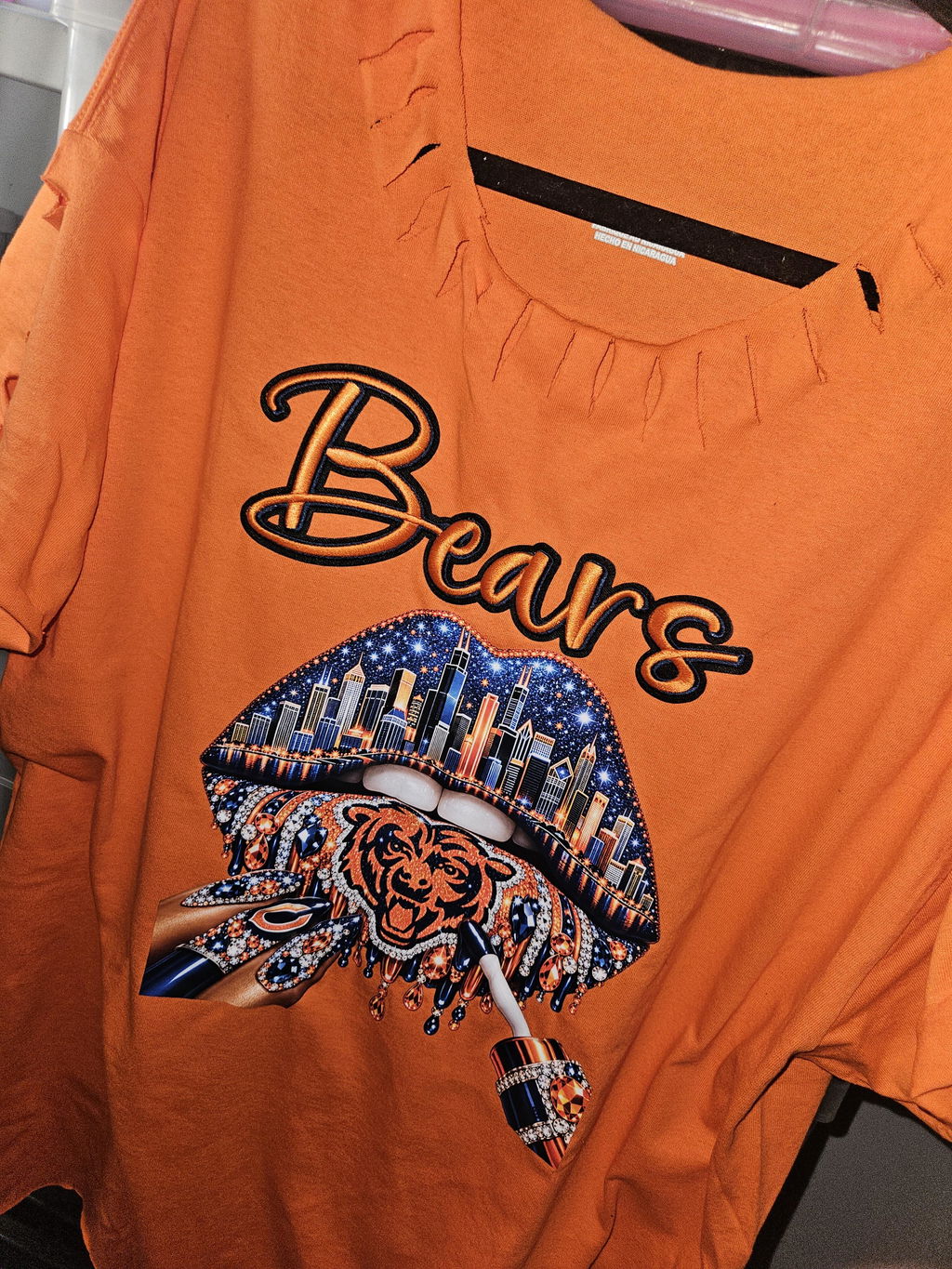
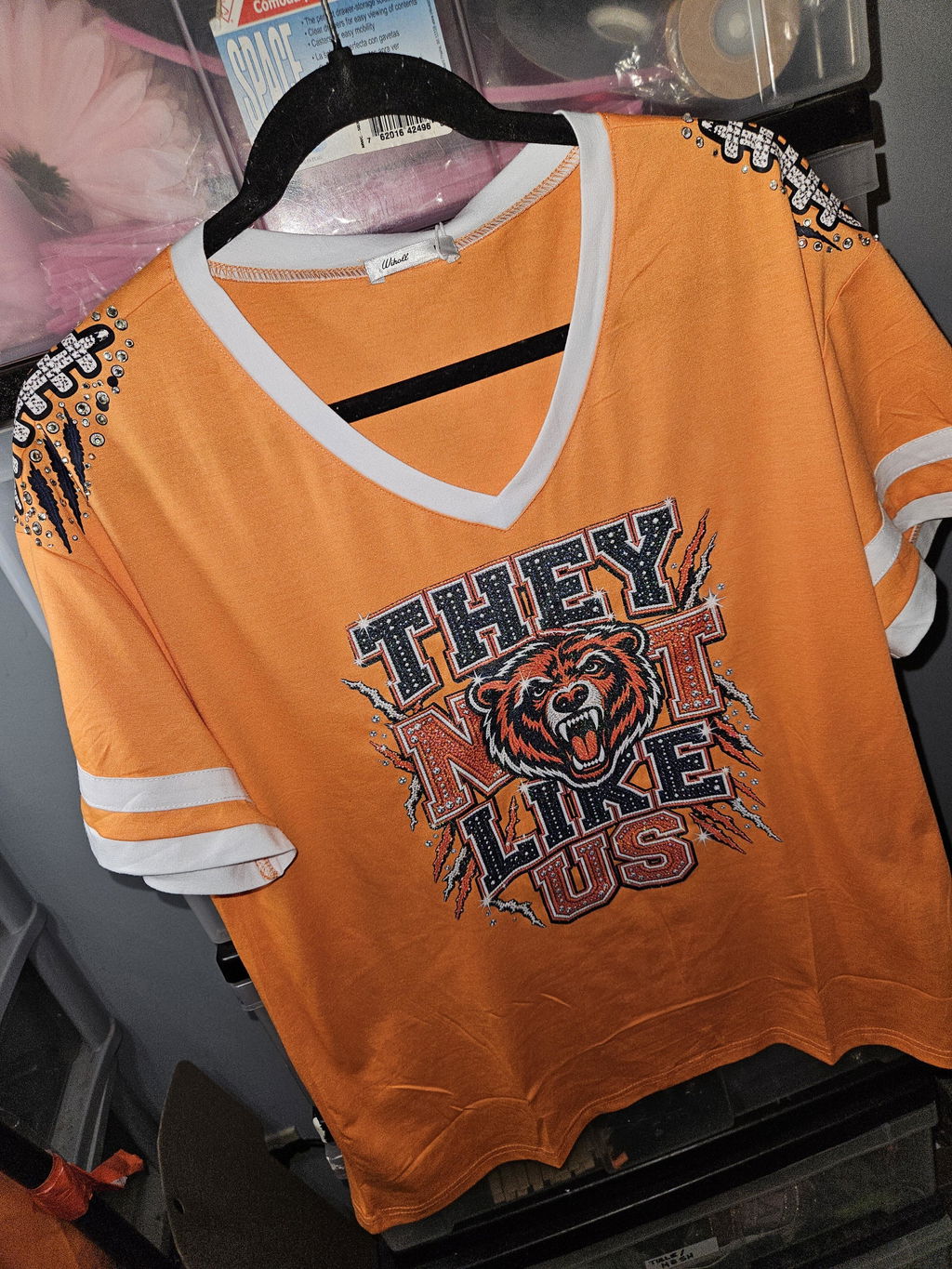
DTF Custom Transfer for Your Artwork and Apparel Projects
A DTF Custom Transfer lets you use your own artwork, logo, lettering, or graphic for a personalized apparel project. Start by choosing the finished print size and placement. Then prepare clean artwork, compare the available transfer options, and review the selected product requirements before ordering.
Your Artwork: Use your own logo, text, or graphic.
Flexible Sizing: Choose dimensions based on your intended placement.
More Options: Compare standard and specialty DTF collections.
How to Choose a DTF Custom Transfer
Start with the garment and final placement. Measure the area where the design will appear. A small chest logo needs different dimensions than a large front or back graphic. Knowing the finished size first makes it easier to choose the right transfer format.
Next, review the artwork. Use a clean, high-quality source file at the intended print size. Check lettering, fine details, proportions, and transparency. Avoid enlarging a small raster image too much because this may reduce clarity.
Then think about how you plan to order. A single design may work well as an individual transfer. Several graphics or repeated designs may need a different setup. Keeping consistent dimensions can also make future orders easier for brands, teams, events, or recurring projects.
Browse DTF Transfers for standard options. For a specialty effect, compare Glow in the Dark DTF Transfers. If you also need garments, explore Blank Apparel. Always check the current product instructions before ordering or applying a transfer.