DTF Transfer For Bag Customization Projects
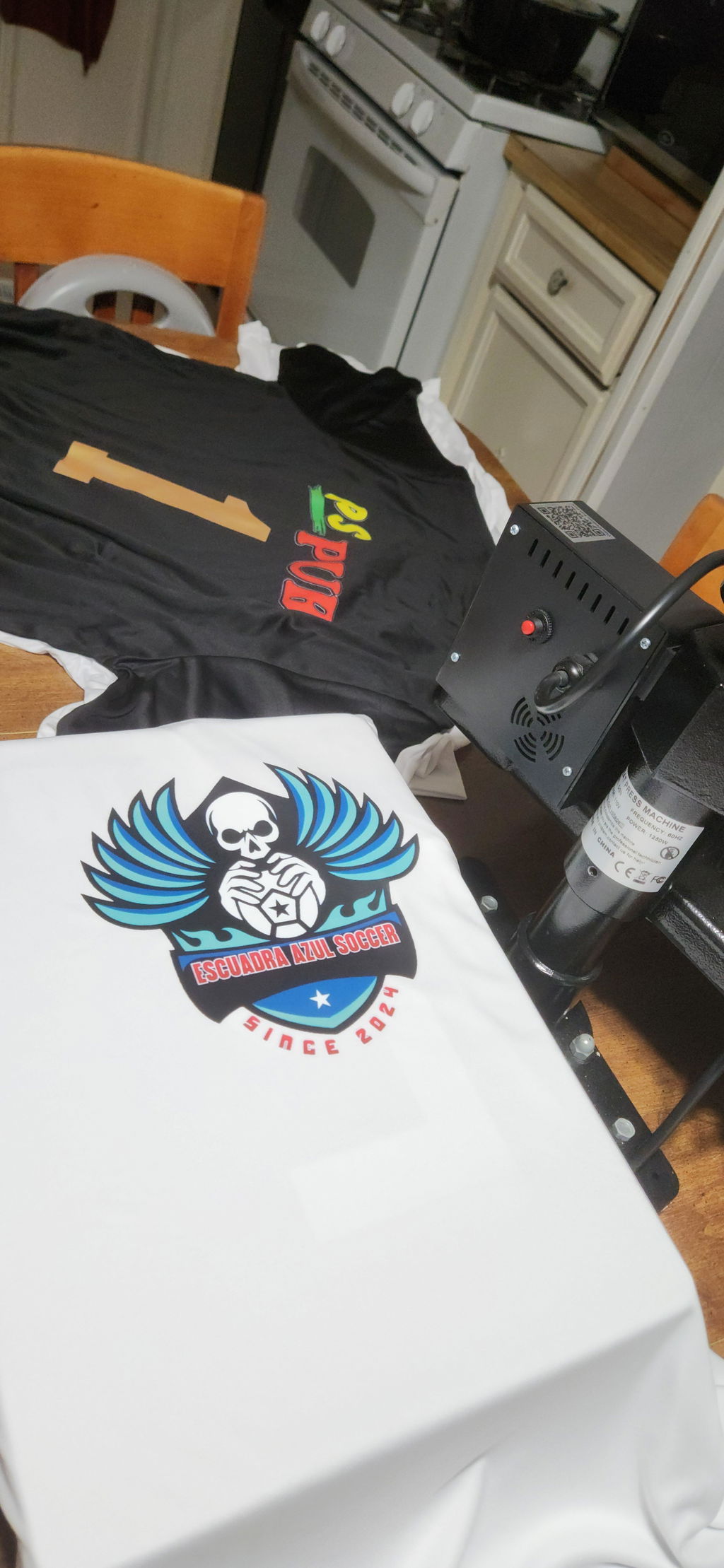
DTF Transfer For Bag projects let you add custom artwork, lettering, logos, or graphics to suitable fabric bags. Start by measuring the printable area and deciding the finished design size. Then prepare clean artwork and review the selected transfer and bag requirements before ordering or applying the design.
Custom Artwork: Use your own logo, text, or graphic.
Flexible Sizing: Choose dimensions that fit the available bag area.
Project Choice: Compare standard and specialty DTF options.
How to Choose a DTF Transfer For Bag
Start with the bag itself. Measure the flat area where you want the design to appear. Handles, seams, pockets, and folds can reduce the usable print space. Use those measurements to determine the finished width and height of your transfer.
Next, check the artwork. Use a clean, high-quality source file at the intended print dimensions. Review small lettering, fine details, proportions, and transparency. Avoid enlarging a small raster image too much because this can reduce clarity.
Then consider the bag material and the selected product instructions. Do not assume every bag or transfer uses the same application settings. Check the current product page before ordering. Follow the instructions provided for the specific transfer and item you plan to decorate.
Browse DTF Transfers for standard options. For a specialty visual effect, compare Glow in the Dark DTF Transfers. You can also explore Blank Apparel for other customizable items. If you need help choosing, contact Eagle DTF Print.