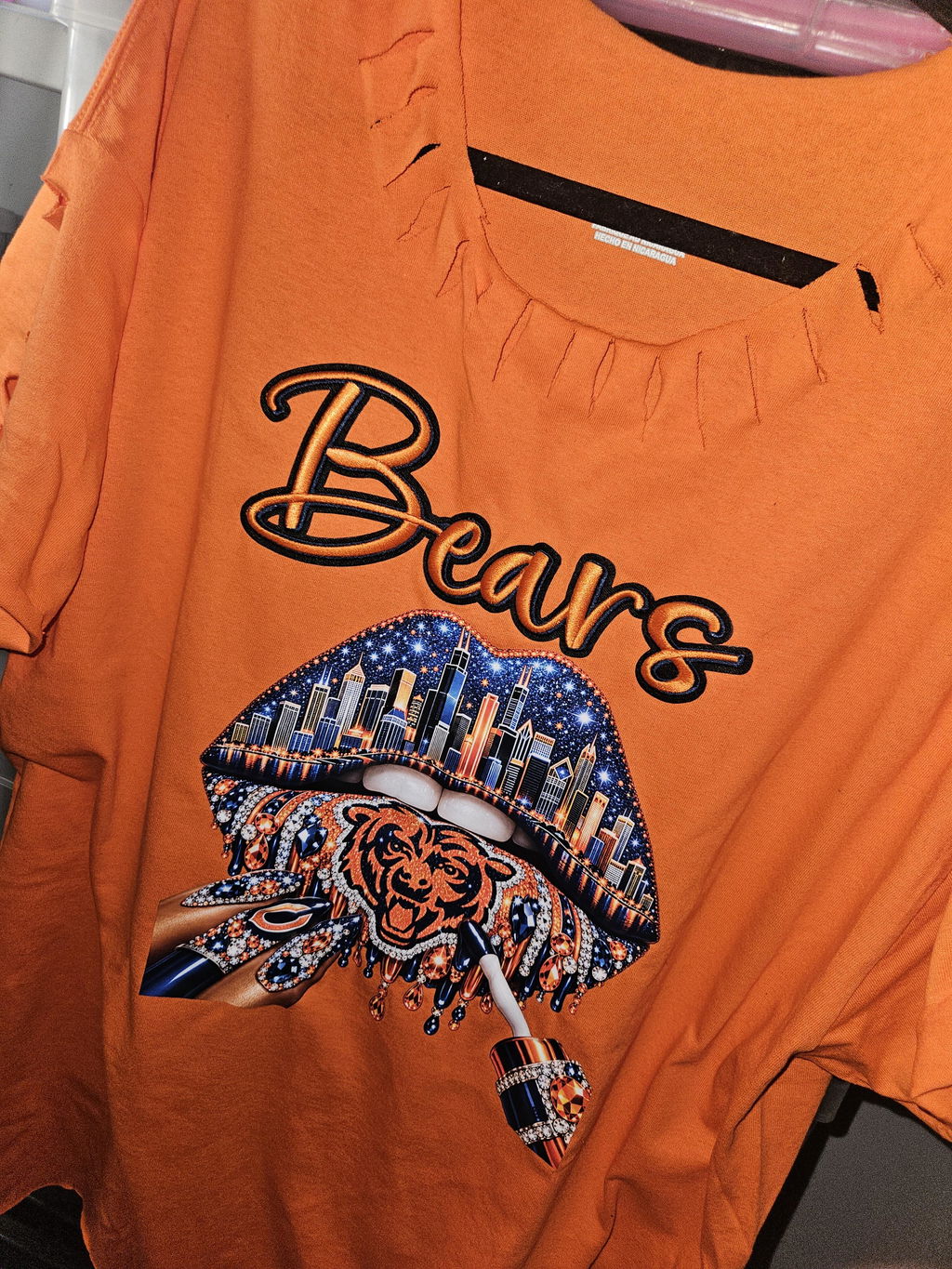
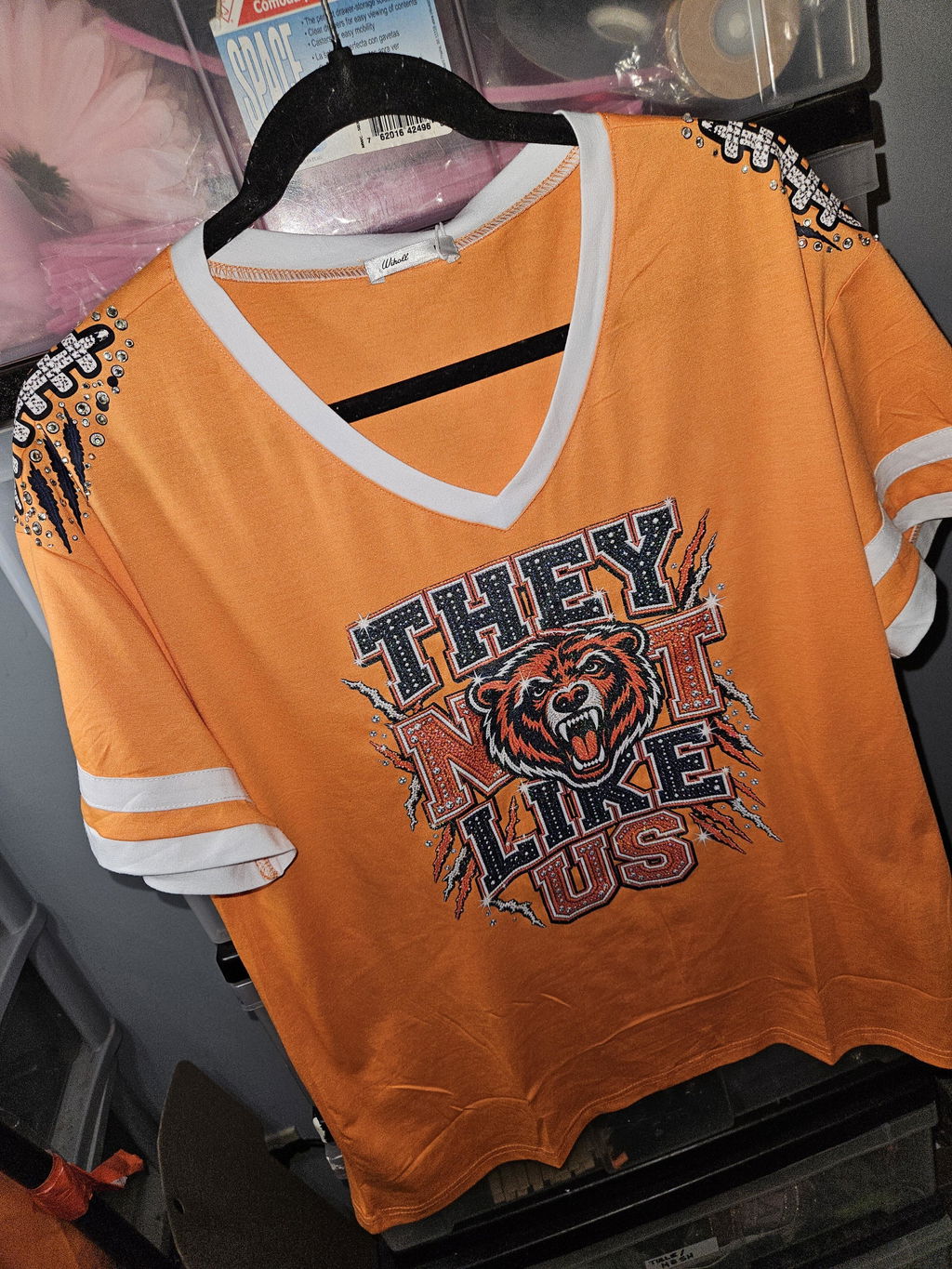
Order DTF Prints Online Chicago

Chicago DTF Ordering Guide
Need to order DTF prints online in Chicago without adding unnecessary production delays? A clear online workflow lets apparel decorators, local brands, schools, teams, event organizers, and small businesses submit artwork, choose the right transfer format, and select pickup or delivery from one convenient process.
Direct-to-film transfers are useful when you need detailed graphics, flexible quantities, and ready-to-press artwork for custom apparel. The biggest advantage of online ordering is control. You can confirm dimensions, review quantities, choose a gang sheet or individual transfer format, enter delivery details, and complete payment before production begins. For Chicago-area customers, local pickup can shorten the time between placing an order and starting the heat-pressing stage.
Ordering DTF Prints in Chicago
Ordering DTF prints in Chicago is easiest when artwork, sizing, quantity, and fulfillment are decided before checkout. A well-prepared order moves through artwork review faster and reduces the chance of a hold. It also gives the production team a clear understanding of what should be printed and how the completed order should reach you.
Online Ordering Process
The online process is designed to move from artwork submission to production with fewer manual steps. Before starting, review the official how-to-order instructions so you understand the artwork and product requirements that apply to your job.

Customers who are ready to begin can compare available products on the DTF order page. Choose the format that matches how your artwork is prepared. A completed gang sheet is suitable when you already arranged every design. The online builder is useful when you want to place individual graphics into a sheet. Transfers by size are practical when you need straightforward quantities in defined dimensions.

Chicago Pickup Option
Local pickup is a practical choice for Chicago-area customers who want to avoid carrier transit time. Eagle DTF Print lists its pickup location at 515 W Golf Rd, Arlington Heights, IL 60005. The address is northwest of central Chicago, so customers should include driving time in their production schedule. You can view the pickup location on Google Maps before leaving.
Do not travel to the pickup point only because checkout is complete. Wait until the order has been confirmed as ready, and keep the order number available. For urgent work, use a phone number and email address that you monitor. Fast communication matters when the production team needs a revised file, a size confirmation, or another decision before printing.
Same-Day Processing
Same-day processing can help when you are preparing a rush event order, replacing damaged transfers, finishing team apparel, restocking a bestseller, or meeting a customer deadline. The current site information states that weekday orders placed before 2:00 PM CT may print and ship or become eligible for pickup the same day. Saturday orders currently use a 1:00 PM CT cutoff.

Cutoff time is only one part of eligibility. Artwork must be usable, payment must be complete, and the selected product must fit the available production schedule. Large quantities, file corrections, peak volume, technical issues, or special handling can change the completion time. For a detailed explanation of the rush workflow, review the guide to same-day DTF printing in Chicago.
- Submit the order before the published cutoff.
- Upload print-ready artwork at the correct dimensions.
- Complete payment and provide reachable contact details.
- Respond quickly if the artwork team requests a correction.
- Wait for pickup or shipping confirmation before making final plans.
Local Advantages
A Chicago-area printing partner can simplify jobs that are difficult to manage through a distant supplier. Local pickup reduces dependence on carrier transit. Phone support is easier to coordinate during Central Time business hours. Repeat buyers can also build a more consistent workflow for artwork preparation, order placement, pickup, and pressing.
Local service is especially valuable for pop-up shops, school programs, sports groups, print studios, clothing brands, restaurants, contractors, and event teams. These customers often work with changing quantities and short deadlines. A local option gives them a second fulfillment path when shipping is not the best choice. For more background on production methods and local use cases, read the DTF printing Chicago guide.
Chicago Order Options
There is no single ordering method that fits every Chicago DTF project. The right option depends on deadline, artwork readiness, quantity, transportation, and how much guidance is needed. The four paths below make it easier to match the order method to the job.

Online Order → Pickup
This is usually the most efficient local workflow. Place the order online, upload the artwork, select local pickup during checkout when available, and wait for a ready notification. Online order records reduce confusion because the selected product, size, quantity, payment, and contact details remain connected to the same transaction.
Online order and pickup works well for customers who own a heat press and need ready-to-press transfers quickly. It is also useful for print shops that want to avoid making custom transfers in-house. Keep your order number accessible and inspect the package count before leaving the location.
Online Order → Delivery
Delivery is the better choice when driving to Arlington Heights would interrupt production or when the order is being sent directly to another shop, employee, or customer. Enter the destination carefully and check apartment, suite, unit, or dock details before paying. Carrier timing begins after production is complete, so production time and transit time should be treated as separate parts of the deadline.
For urgent Chicago-area delivery, confirm which services are available for the destination and order size. Local courier availability, standard shipping, and expedited carrier services may follow different schedules. Avoid promising a customer a final garment deadline until the transfer delivery method has been confirmed.
Phone Order
Phone support is useful when the project does not fit a simple online choice. Call +1 (847) 721-4705 to discuss quantity, turnaround expectations, pickup, delivery, or a file concern. A team member can help identify the appropriate order path. Artwork upload, written approval, and payment may still need to be completed digitally so the production instructions are documented accurately.
Before calling, have the expected print size, number of designs, total quantity, garment type, preferred completion date, and fulfillment method ready. A focused call is more productive than describing the project without dimensions or quantities.
In-Person Consultation
An in-person conversation may be helpful for a complex repeat program, wholesale workflow, unusual artwork issue, or project with several sizes and fulfillment requirements. Contact the team before visiting to confirm consultation availability and bring the artwork on a device or accessible cloud folder. Use the Eagle DTF Print contact page for current support details.
An in-person consultation should still end with written specifications. Confirm final dimensions, quantity, file version, color expectations, pickup or delivery method, and the agreed production timeline. Written details protect both sides from avoidable misunderstandings.
| Order Option | Best For | Main Advantage | Important Check |
|---|---|---|---|
| Online → Pickup | Local decorators and rush jobs | Avoids carrier transit after production | Wait for the ready notification |
| Online → Delivery | Busy shops and remote recipients | No driving or pickup scheduling | Separate production time from transit time |
| Phone Support | Questions, unusual quantities, and deadline checks | Direct guidance before ordering | Prepare sizes, quantities, and deadline details |
| In-Person Consultation | Complex or recurring programs | Detailed discussion of the workflow | Confirm availability before visiting |
What to Prepare Before Placing Your Chicago DTF Order
Most order delays begin before the file reaches the printer. A few preparation steps can improve both speed and print quality.
- Use high-resolution artwork. The current upload guidance requests at least 300 DPI for the best result.
- Remove unwanted backgrounds. Transparent artwork helps prevent an unintended box or shape from printing around the design.
- Confirm the final dimensions. Measure the print area on the actual garment instead of guessing from a computer screen.
- Use clean edges. Semi-transparent pixels, soft edge gradients, and compressed screenshots can create unwanted print results.
- Choose the correct file. The current uploader lists PNG, JPG, and SVG support; use the cleanest source available.
- Check every design on a gang sheet. Review spelling, orientation, spacing, duplicates, and size before uploading.
- Plan fulfillment early. Decide between pickup and delivery before a deadline becomes urgent.
Artwork standards and accepted formats can change by product or uploader. Always review the current product instructions during checkout.
Choosing the Right DTF Order Format
Upload a Completed Gang Sheet
Choose this method when the full sheet is already arranged at the correct print dimensions. You control design placement, spacing, duplicates, and size. It is efficient for experienced decorators who prepare layouts in design software and want the production team to print the sheet without rebuilding it.
Build a Gang Sheet Online
Use the builder when you have individual transparent graphics but have not created the final sheet. Arrange logos, left-chest prints, full-front artwork, sleeve graphics, and labels inside the available space. Check the size of every item before adding the sheet to the cart.
Order Transfers by Size
Transfers by size are a simple option when you need a defined number of individual prints. This method can be easier for a one-design order, a small production run, or a customer who does not want to arrange a gang sheet. Confirm whether the selected dimension refers to width, height, or the longest side.

How to Avoid Delays on a Same-Day Chicago Order
- Place the order well before the cutoff instead of submitting at the final minute.
- Upload the final artwork version, not a draft or screenshot.
- Make sure the background is transparent where required.
- Confirm that the selected transfer dimensions match the garment.
- Use a monitored phone number and email address.
- Respond immediately to artwork or payment questions.
- Do not begin driving to pickup until the ready message arrives.
- Allow extra time for large orders, peak periods, and unusual files.
A rushed order should still be reviewed carefully. Reprinting the wrong size costs more time than spending another minute checking the cart. For repeat jobs, save the approved artwork, final dimensions, product choice, and pressing notes in one organized folder.
Frequently Asked Questions
Can I order DTF prints online in Chicago and pick them up?
Yes. Place the order online and choose local pickup when the option is available. The listed pickup address is 515 W Golf Rd, Arlington Heights, IL 60005. Wait for confirmation that the order is ready before traveling.
What is the cutoff for same-day DTF processing?
The current site information lists a 2:00 PM CT weekday cutoff and a 1:00 PM CT Saturday cutoff. Eligibility also depends on usable artwork, completed payment, order size, and production capacity.
Can I have my Chicago DTF order delivered?
Yes. Select an available shipping or delivery option during checkout. Confirm the destination and remember that production time and carrier transit time are separate.
Can I place a DTF order by phone?
You can call the team for order guidance, product selection, timing, and fulfillment questions. The final file upload, specifications, approval, and payment may still need to be completed online.
What artwork should I upload?
Use a clean, print-ready, high-resolution file. At least 300 DPI and a transparent background are recommended for applicable raster artwork. Review size, spelling, and edge quality before submitting.
Should I choose a gang sheet or transfers by size?
Choose a gang sheet when you want to combine multiple designs or duplicates efficiently. Choose transfers by size when you need straightforward quantities of individual prints in defined dimensions.
Does same-day processing guarantee an exact pickup time?
No. Same-day service depends on order approval, artwork readiness, volume, and production conditions. Wait for a ready notification before planning the final pickup.
Plan Your Chicago DTF Order
Prepare the artwork, confirm the size and quantity, and select the fulfillment method that fits your production deadline.
Visit Eagle DTF Print