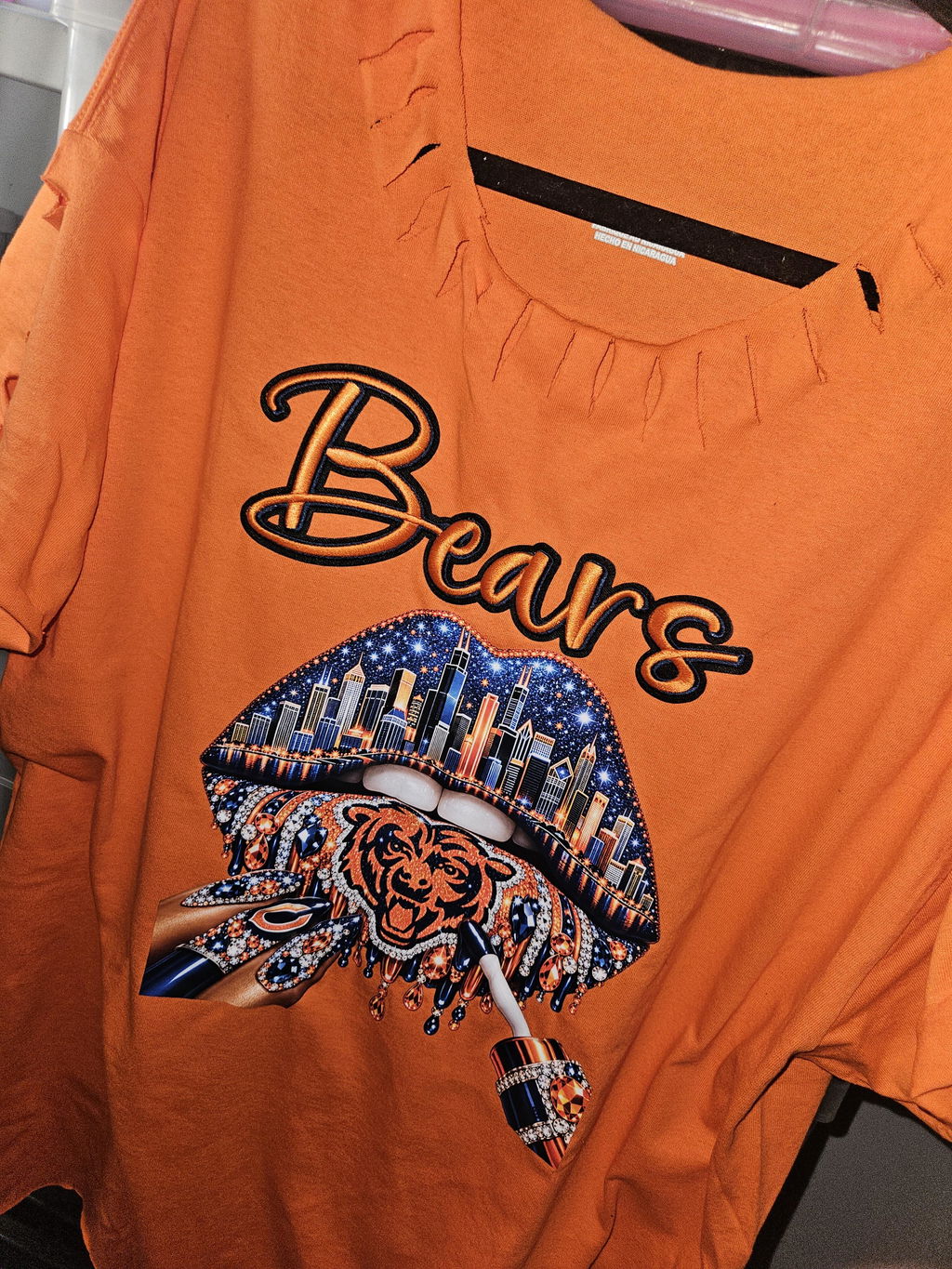
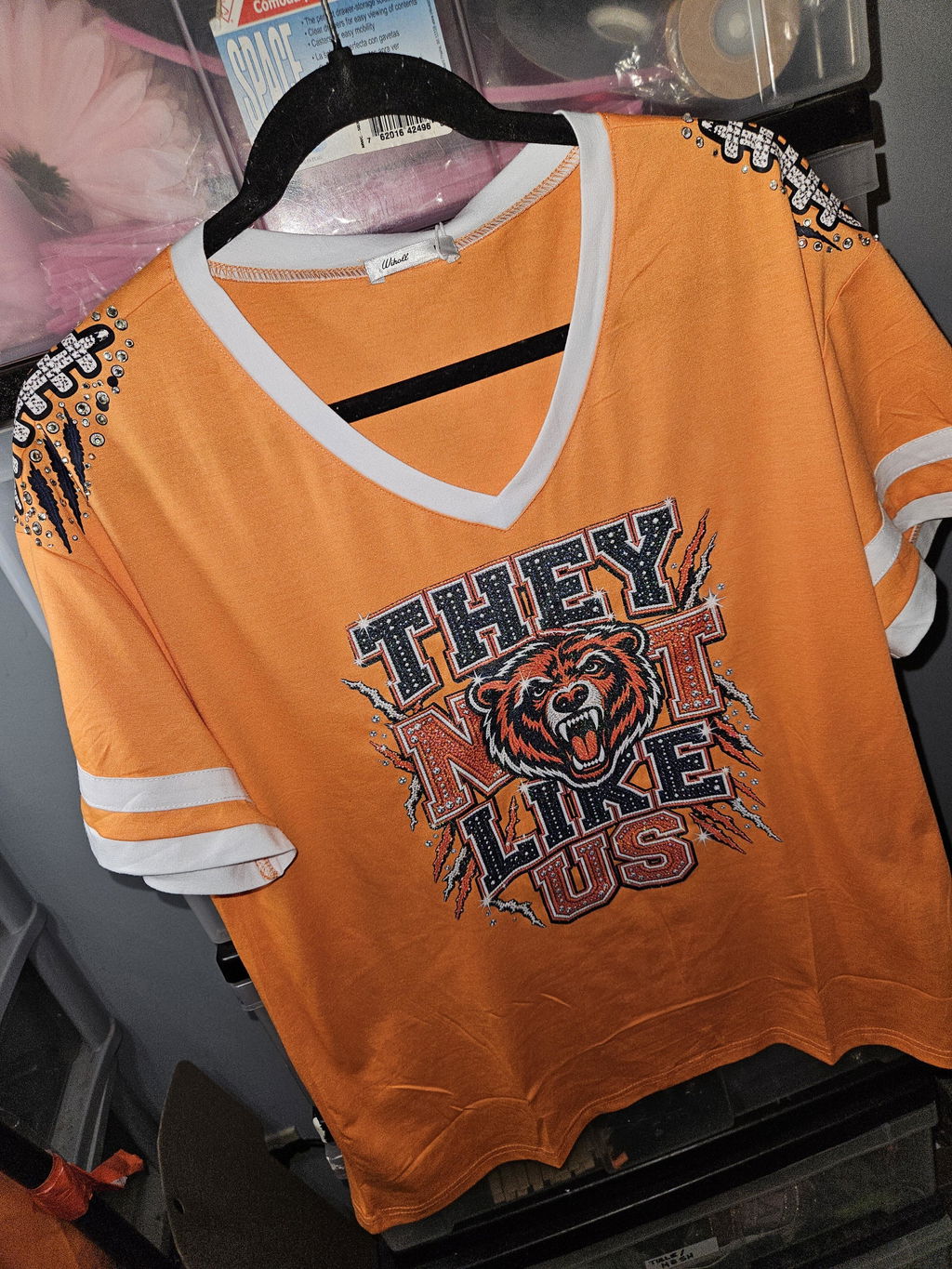
Gang Sheet DTF Transfers for Custom Apparel Printing
Gang Sheet DTF Transfers let you organize multiple designs on a single DTF sheet for efficient custom apparel production. They are a practical choice when you need several logos, graphics, names, or design sizes prepared together. Choose a gang sheet workflow based on whether you want to build your layout online or already have a completed artwork file ready to upload.
-
Multiple designs: Arrange different graphics and sizes together on one sheet.
-
Flexible ordering: Build a layout online or upload your prepared gang sheet.
-
Apparel-ready workflow: Organize transfers for individual projects or repeated production needs.
How to Choose Gang Sheet DTF Transfers
Start by deciding how you want to prepare your artwork. If you want to arrange individual graphics into a sheet online, explore the Build Your DTF Gang Sheet option. If your complete gang sheet is already prepared, use Upload Your DTF Gang Sheet instead.
Before ordering, review your artwork dimensions, intended print sizes, and overall sheet arrangement. Consider how many individual transfers you need and how the available sheet space can be organized for your project. If you are still comparing gang sheet workflows, visit the Gang Sheet Builder collection for another relevant starting point.
Frequently Asked Questions
What is a DTF gang sheet?
A DTF gang sheet places multiple transfer designs together on one sheet rather than preparing every graphic separately.
Can I upload my own gang sheet?
Yes. Eagle DTF Print lists an Upload Your DTF Gang Sheet product for customers with prepared artwork.
Can I build a gang sheet online?
Yes. The Build Your DTF Gang Sheet option provides a separate workflow for creating your layout.
Where can I get help before ordering?
For questions about your order or artwork workflow, visit the Eagle DTF Print contact page.